JPG to PNG Converter — Free, Instant, No Upload Needed
Convert JPG images to PNG instantly without uploading files to servers.
Drop files here or click
Supports JPG, PNG, WEBP and PDF.
Or paste with Ctrl+V
Format Comparison
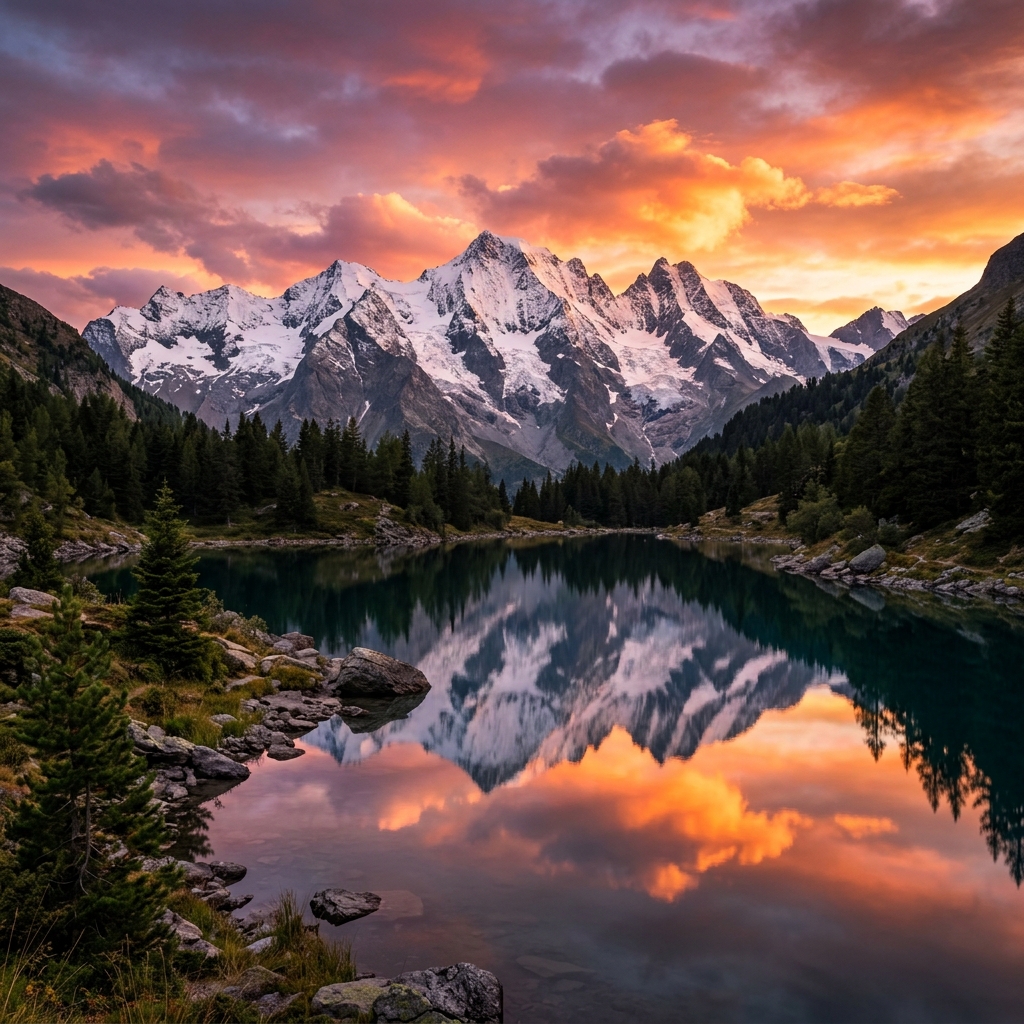
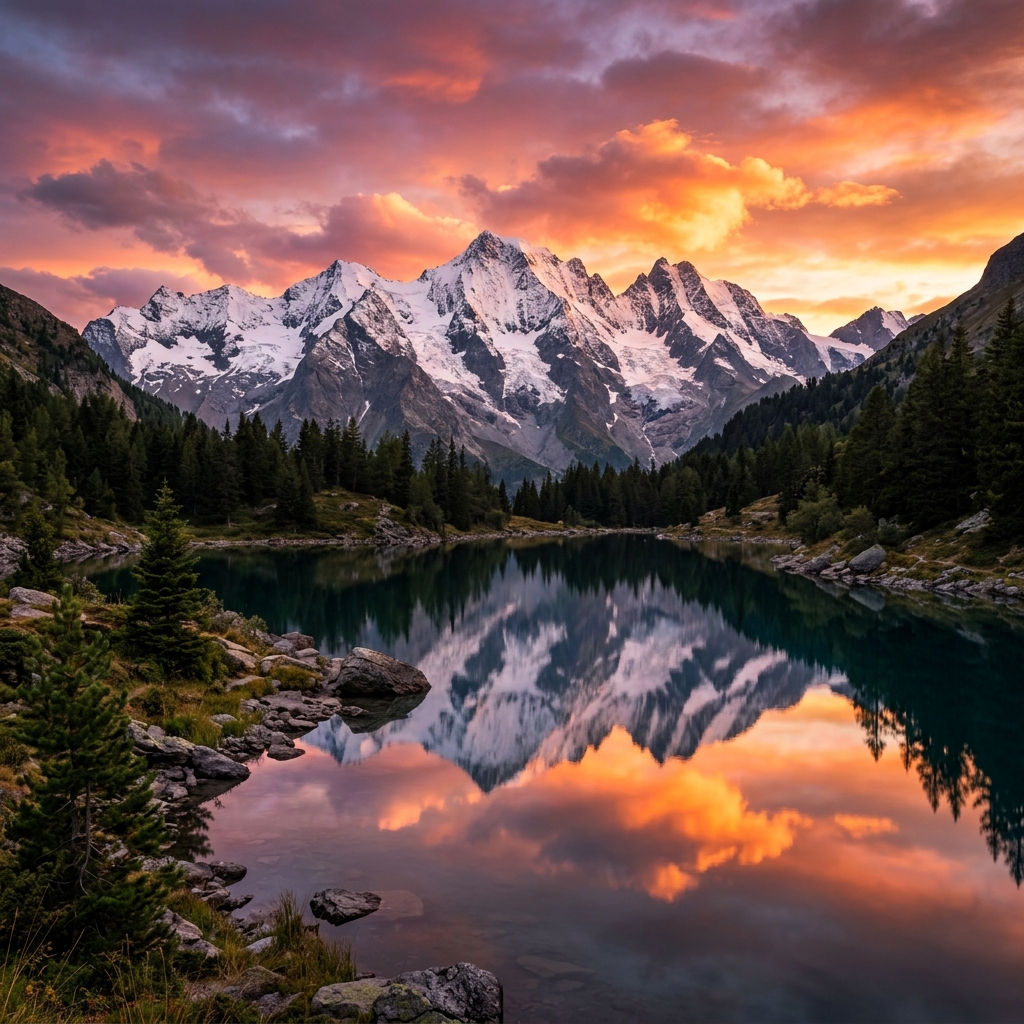
Drag to see how format conversion preserves every detail for professional use.
How to Convert JPG to PNG Online
- Upload your JPG images — Drop your files into the tool or click to select from your device. We support high-resolution batch conversion.
- Instant Processing — Our browser-side engine decodes the JPG compression and re-encodes it into the PNG container in milliseconds.
- Download Results — Click download to save your new PNG files instantly. No registration, no wait times.
Processing happens 100% in your browser. Your files never leave your computer, ensuring absolute privacy for your personal or professional photos.
Why Convert JPG to PNG?
JPG is a "lossy" format, meaning it discards some image data to save space. PNG, on the other hand, is a "lossless" format that preserves every single pixel perfectly. Here are the most common reasons to convert your JPGs to PNG:
- Enable Transparency: JPG files do not support alpha channels. By converting to PNG, you give the image the capability to have a transparent background—essential for logos, icons, and web graphics.
- Stop Generation Loss: Every time you edit and re-save a JPG, the quality degrades. Converting to PNG allows you to edit and save your image as many times as you want without losing any more quality.
- Professional Design Workflow: Most professional graphic design software (like Photoshop, Illustrator, or Figma) works best with lossless formats like PNG to ensure the highest visual fidelity during the design process.
- Sharp Text and Graphics: PNG is significantly better than JPG at rendering sharp edges, such as text or geometric shapes, without the "ghosting" artifacts common in compressed JPGs.
Transparency vs. Quality
It is important to understand that simply converting a JPG to a PNG will not automatically remove its background or improve its visual clarity. If the original JPG is blurry or has artifacts, the PNG will capture those exactly as they are. However, once the image is in PNG format, you can use our Remove Background tool to create a transparent cutout, or our AI Image Upscaler to enhance the resolution. The PNG format ensures that those improvements are saved without further compression damage.
Zero-Upload Privacy Standard
Most "free" online converters make you wait in a queue while your files are uploaded to their cloud servers. This is not only slow but also a risk to your personal data. Pixlush uses advanced browser technology to perform the entire JPG to PNG conversion directly in your browser's memory. Whether you're converting sensitive business charts or private family photos, your files stay on your machine. It's the fastest and most secure way to manage your image formats online.
Frequently Asked Questions
Will converting JPG to PNG improve image quality?
No — converting to PNG will not recover quality lost during JPG compression. However, further saves in PNG format will not cause additional quality loss.
Does JPG to PNG conversion add a transparent background?
No — the converter preserves the existing image. To remove a background, use our Remove Background tool.
Is this converter free?
Yes, completely free. No account, no watermark, no limits.
Is my image uploaded anywhere?
No. Everything runs in your browser using advanced technology. Your file never touches any server.
Can I convert JPG to transparent PNG?
Converting to PNG gives the file the ability to support transparency. To actually remove the background, use our 'Remove Background' tool before or after conversion.
Is there a limit on how many JPGs I can convert?
No limits at all. You can convert dozens of images in a single session. We even support batch conversion to save you time.
Will my PNG files be larger than JPGs?
Typically, yes. PNG is a perfect quality format, so it preserves every pixel. If the resulting file is too large, you can use our 'Compress Image' tool to optimize it.